When the power goes out, losing your internet connection can be almost as frustrating as losing the lights. Whether you work from home, attend online classes, stream entertainment, or rely on smart home devices, keeping your Wi-Fi and internet running during an outage is often a top priority.
The good news is that routers, modems, and networking equipment use very little electricity. That means you don’t need a massive generator to stay connected.
In this guide, we’ll cover the best generators and portable power stations for internet and Wi-Fi backup, explain how much power your equipment needs, and help you choose the right solution for your home.
How Much Power Does Your Internet Equipment Use?
Most internet equipment uses less than 100 watts.
Typical power requirements include:
| Device | Approximate Running Watts |
|---|---|
| Cable Modem | 10–20 W |
| Fiber ONT | 10–20 W |
| Wi-Fi Router | 10–30 W |
| Mesh Wi-Fi Node | 10–20 W |
| Network Switch | 15–40 W |
| Desktop Computer | 200–500 W |
| Laptop | 50–100 W |
| Monitor | 30–80 W |
Because the power demand is so low, even a small backup power system can often keep your internet running for many hours.
What Makes the Best Internet Backup Power?
Look for these features:
- Pure sine wave output
- Quiet operation
- Fast charging
- Long battery runtime
- Safe indoor operation
- Reliable performance
- Multiple AC and USB outlets
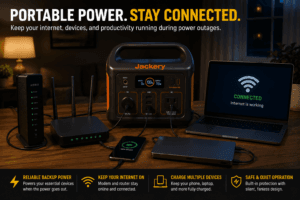
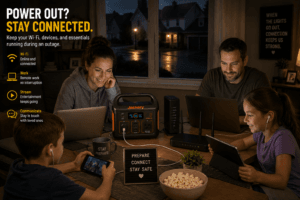
For most homeowners, a portable power station is the best choice because it’s silent, requires no fuel, and is safe to use indoors. Portable power stations are widely recommended for powering electronics and communications equipment during outages.
Our Top Picks
Best Overall Portable Power Station
Why we like it:
- Pure sine wave inverter
- Fast charging
- Excellent battery capacity
- Safe for indoor use
- Can power networking equipment, laptops, monitors, and phones for extended periods
Best Budget Option
Perfect for:
- Wi-Fi routers
- Cable modems
- Fiber ONTs
- Phone charging
- Small laptops
Best Compact Backup
Excellent for apartment dwellers, travelers, and homeowners who need compact emergency backup power.
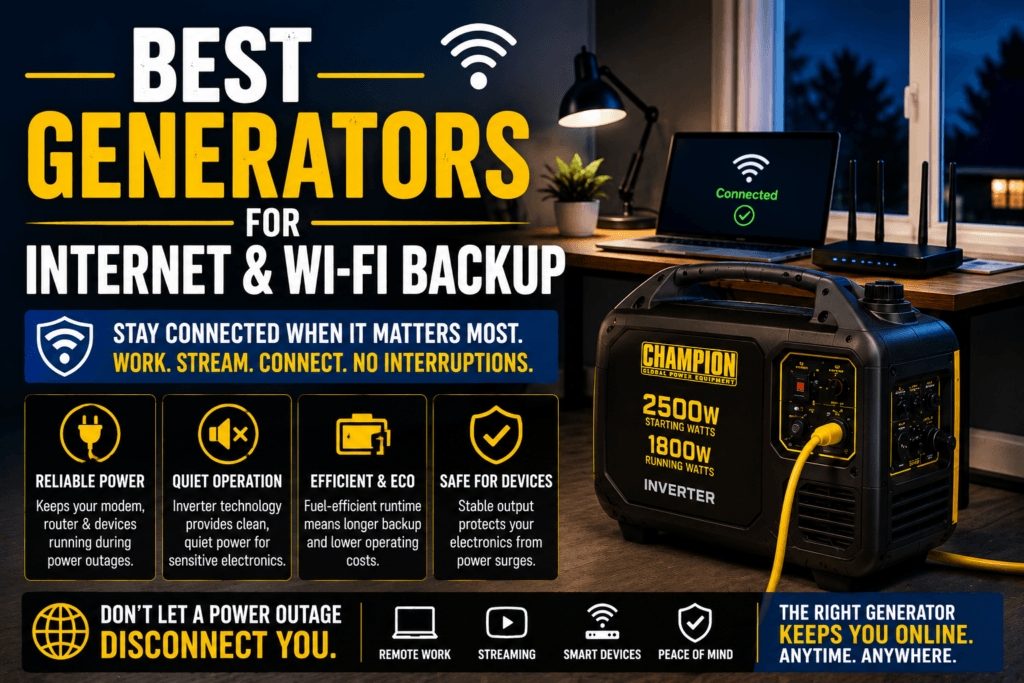
Best Fuel-Powered Generator
Ideal for:
- Long-duration outages
- Home offices
- Internet equipment
- Refrigerators
- Essential household appliances
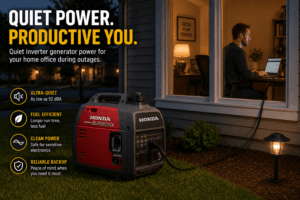
Always operate fuel-powered generators outdoors. Honda inverter generators are widely recognized for their quiet operation and clean power output.
Portable Power Station vs. Generator
Portable Power Station
Advantages:
- Safe for indoor use
- Silent operation
- No gasoline required
- No exhaust fumes
- Minimal maintenance
- Excellent for electronics
Best for:
- Wi-Fi routers
- Modems
- Laptops
- Smart home hubs
- Phones
- Tablets
Inverter Generator
Advantages:
- Unlimited runtime with refueling
- Can power your internet plus refrigerators, lights, and additional household appliances
- Excellent for extended outages
Fuel-powered generators should always be operated outdoors and away from doors, windows, and vents.
Should You Use a UPS?
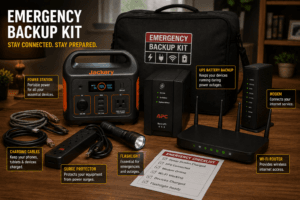
A UPS (Uninterruptible Power Supply) is one of the best additions to your internet backup system.
Benefits include:
- Prevents modem reboots
- Keeps Wi-Fi online during brief outages
- Protects networking equipment
- Gives you time to switch to generator power
- Prevents lost work during meetings
Many remote workers combine a UPS with a portable power station or inverter generator for maximum reliability.
How Long Will Backup Power Last?
Runtime depends on:
- Battery capacity
- Equipment power consumption
- Number of connected devices
Because routers and modems use so little electricity, many portable power stations can keep them operating for many hours before needing to be recharged.
Generator Safety Tips
Always:
- Operate fuel-powered generators outdoors only.
- Install carbon monoxide detectors.
- Keep generators away from windows and doors.
- Store gasoline safely.
- Test your backup equipment every few months.
- Recharge portable power stations before storm season.
Portable power stations are designed for indoor use because they do not produce exhaust gases.
Common Mistakes to Avoid
Avoid these common errors:
- Forgetting that your modem also needs backup power
- Buying more generator than you actually need
- Running a fuel-powered generator indoors
- Waiting until an outage to test your backup equipment
- Ignoring UPS battery replacement
- Overloading your backup power source
Frequently Asked Questions
What is the best backup power for Wi-Fi?
For most homeowners, a portable power station is the best option because it’s quiet, emission-free, and safe to use indoors.
Can a portable power station run my modem and router?
Yes. Most modems and Wi-Fi routers together consume less than 50 watts, allowing many power stations to provide many hours of backup power.
Do I need a generator just for internet?
Usually not. A portable power station is often more practical unless you also want to power other household appliances.
Should I use a UPS?
Yes. A UPS protects your equipment from brief outages and gives you time to transition to a generator or portable power station.
Can I use a gasoline generator indoors?
No. Fuel-powered generators must always be operated outdoors because they produce dangerous carbon monoxide.
Final Thoughts
If your goal is simply to keep your internet online during a power outage, a portable power station is the best overall solution. It’s quiet, easy to use, safe indoors, and can power your modem, router, laptop, and other essential electronics for hours.
If you also want to keep refrigerators, lights, and other appliances running during extended outages, pairing an inverter generator with a UPS provides reliable whole-home backup while keeping your internet connected.